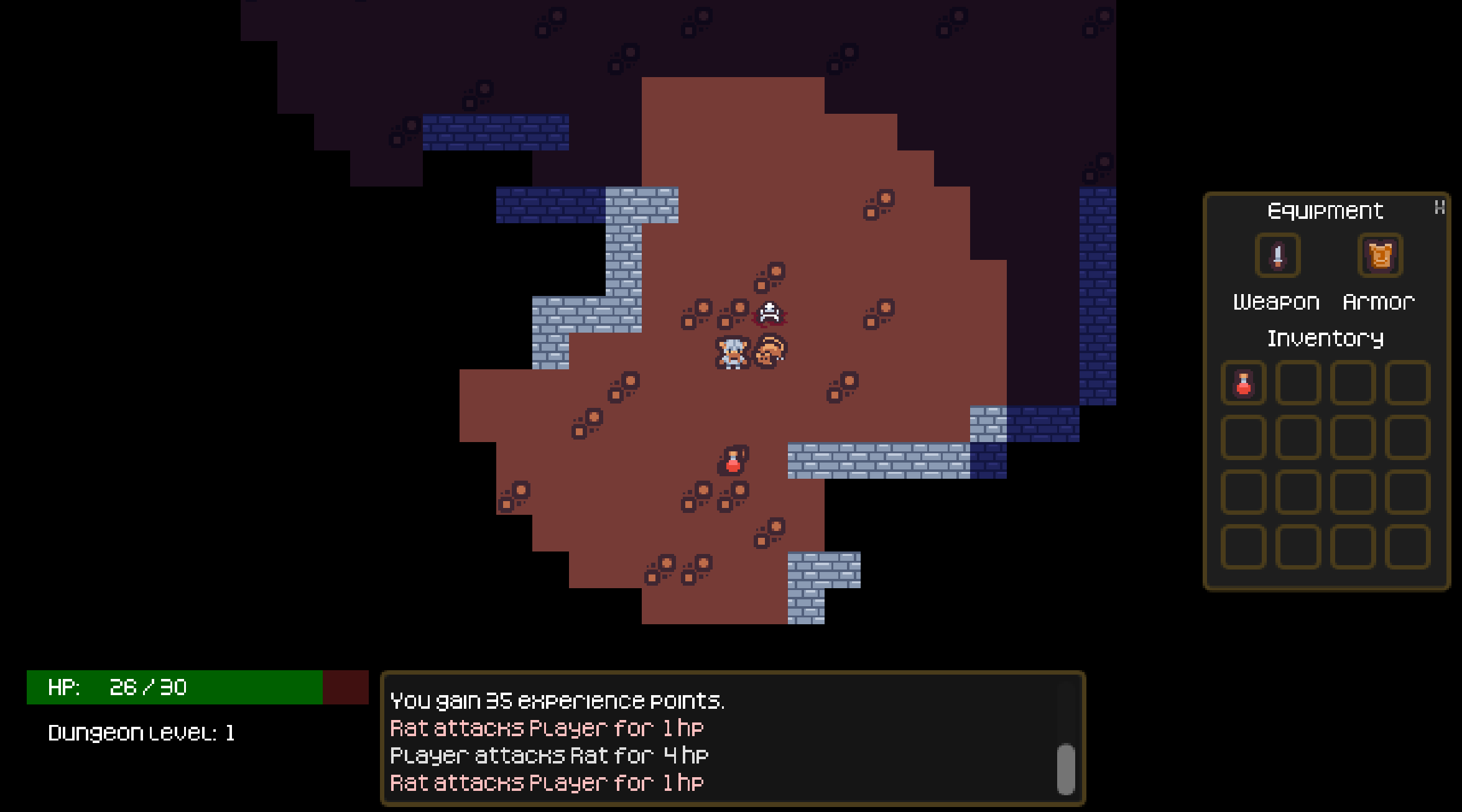
The Yet Another Roguelike Tutorial is the canonical starting point for people interested in building a traditional roguelike. Written in Python, it leverages the TCOD library, a toolkit tailor-made for roguelike development, which includes ASCII based tile rendering, event handling tuned for turn-based play, field of view calculations, and save/load systems.
Godot has none of these things.
What Godot does have is a powerful node and scene architecture, Resource system for data-driven development, and signal-based event model which provide everything you need to design a roguelike as a component-driven system from the ground up. The Godot Roguelike Basic Set (GRBS) series documents what that looks like in practice as it follows the structure of the TCOD tutorial, implemented in Godot 4.6 and GDScript, including retro-inspired pixel art and effects as opposed to a ASCII characters rendered in a console. The path from empty project to playable roguelike looks quite different than the Python version, but Godot’s component-driven architecture will provide you with an extensible framework you can keep building on after the tutorial ends.
Named in honor of the original Dungeons & Dragons Basic Rules Set, the finished Godot Roguelike Basic Set project can be played on itch.io.
Acknowledgments
This project would not be possible without the prior work provided by the rogueliketutorials.com TCOD tutorial. It was truly an invaluable reference.
I also want to give a shoutout to the Yet Another Roguelike Tutorial by Selinadev, a popular tutorial for Godot devs participating in the annual r/roguelikedev Does the Complete Roguelike Tutorial event. Check out their series if you’d like to see another approach to creating a traditional roguelike in Godot.
Contents
This series consists of 13 parts that follow the general sequence of the TCOD tutorial.
Part 1 – Creating and Moving the Player
Part 3 – Entities, Resources, and the Map
Part 4 – Procedural Dungeon Generation
Part 5 – Field of View
Part 6 – Placing and Interacting with Enemies
Part 7 – Doing and Taking Damage
Part 8 – User Interface
Part 9 – Items and Inventory
Part 10 – Ranged Scrolls and Targeting
Part 11 – Delving Deeper into the Dungeon
Part 12 – Increasing Difficulty
Part 13 – Equipment
The TCOD tutorial introduces saving and loading in part 10, as the built in save/load features of the toolkit do all the heavy lifting. Godot requires a bespoke solution to be developed, so rather than try to backfill saving and loading 9 steps worth of content in one shot, the save/load handler will be introduced right out of the gate in step 2.
Other idiomatic Godot architectural decisions, including data-driven entity definitions, state-machine-based input handlers, and a UI that isn’t limited to the confines of a text-based console, are documented over the course of the series. Readers should be able to continue to iterate on these concepts to suit their own project’s needs. Each part will include a link to the project repo on GitHub.
All code in this series will conform to the conventions outlined in the GDScript Style Guide: https://docs.godotengine.org/en/stable/tutorials/scripting/gdscript/gdscript_styleguide.html
Beginner References
It is assumed that the reader is already familiar with creating and running a scene in Godot, working with nodes, and writing and executing GDScript code. For those readers new to Godot, here is a selection of excellent beginner tutorials to get started with:
The D&D Basic Set provided me countless hours of dungeon crawling adventures as a kid. Whether you are new to roguelikes or just new to Godot, it’s my sincere hope that the GRBS will be the start of a new series of your own roguelike adventures.
The Basic D&D Ancient Red homage is unofficial Fan Content permitted under the Fan Content Policy. Not approved/endorsed by Wizards. Portions of the materials used are property of Wizards of the Coast. ©Wizards of the Coast LLC
 Alex Shopov: EcoDevGuy